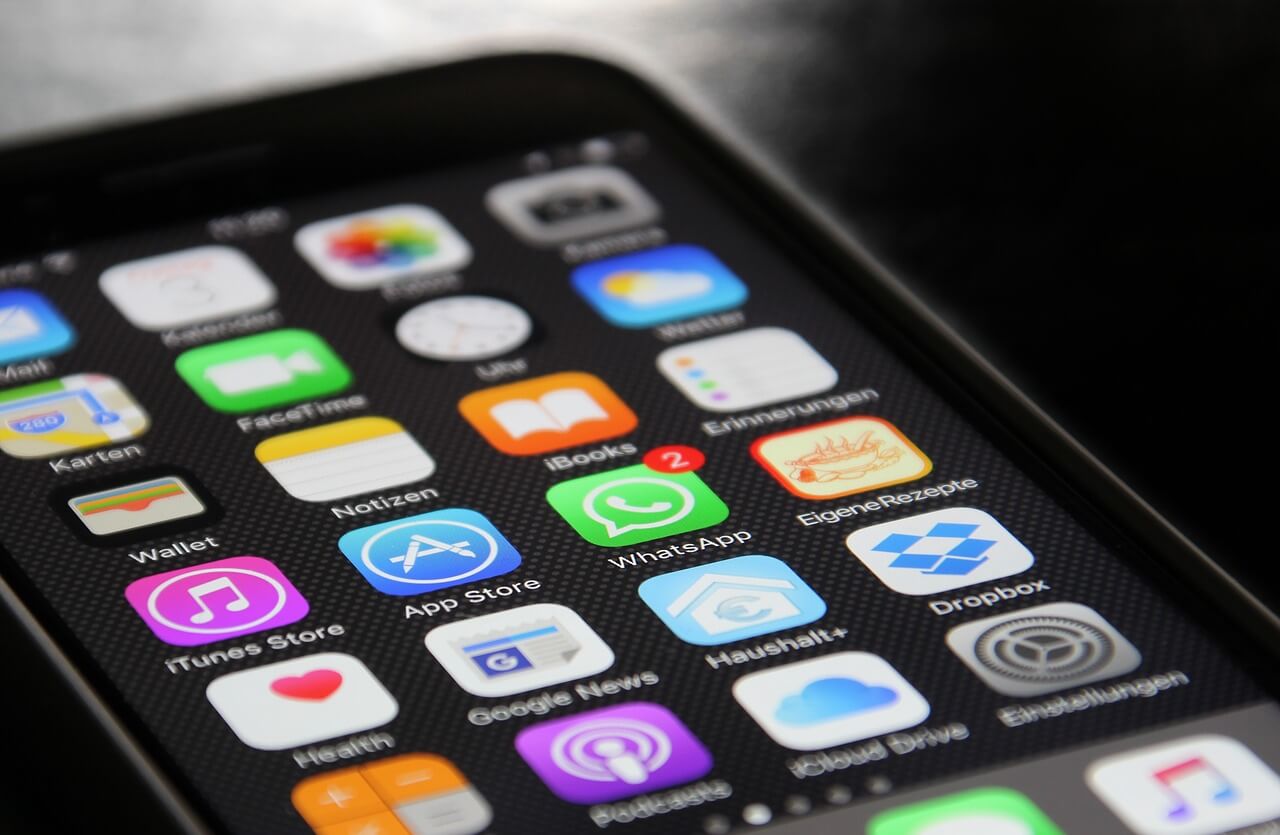
Touch screens are great when they’re working, but when a touch screen becomes unresponsive, all that ease of use goes out the window and frustration sets in very quickly. The biggest problem is that with some devices, the touch screen is the only way you can interact with your phone or tablet. When that suddenly goes away, it can feel like you’re totally locked out of your device altogether.
The following can cause your touch to stop working:
– Outside environment such as magnetic and static electricity causes the screen to become less sensitive/responsive.
– High or low temperatures.
– Your device crashing can lead to the touch screen not working.
– App problems can cause the touch to stop working.
– Firmware update failure
Truth be told, there are a number of steps, from easy to advanced, that you can attempt to get things working again.
Basic Fixes for a Touch Screen That Doesn’t Work:
– Clean the screen with a lint-free cloth.
– Restart or hard reboot your device.
– Remove your case or screen protector.
– Do a software upgrade or system restore
– If applicable use the device’s calibration tool or sensitivity setting.
– if applicable adjust the 3D Touch feature.
– Make sure your hands are clean and dry and that you aren’t wearing gloves.
If your unresponsive touch screen calls for professional help or repair, let intelliFix do what they do best, fix your device!
Click here to schedule a repair.